How to register and sign in
Watch this video explaining how to create your account and sign-in to EuroCom.
📱 On your phone


-
After account creation, you need the Element X app to
sign in.
Not Create account. Your account
already exists, you only sign in.
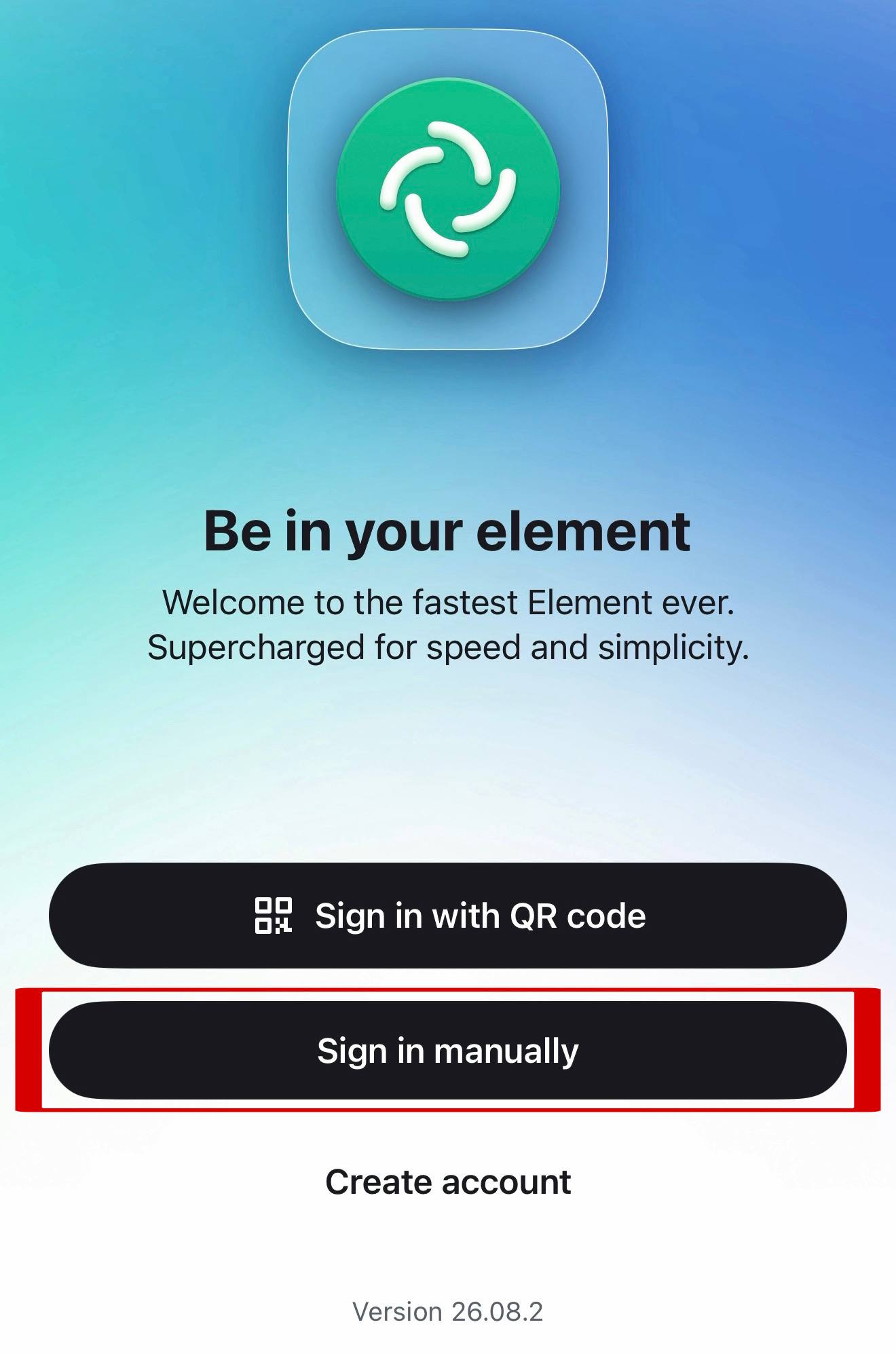
Sign in with your email address. -
If the app asks for a server, do not keep
matrix.org. Type:
save-europe-act.eu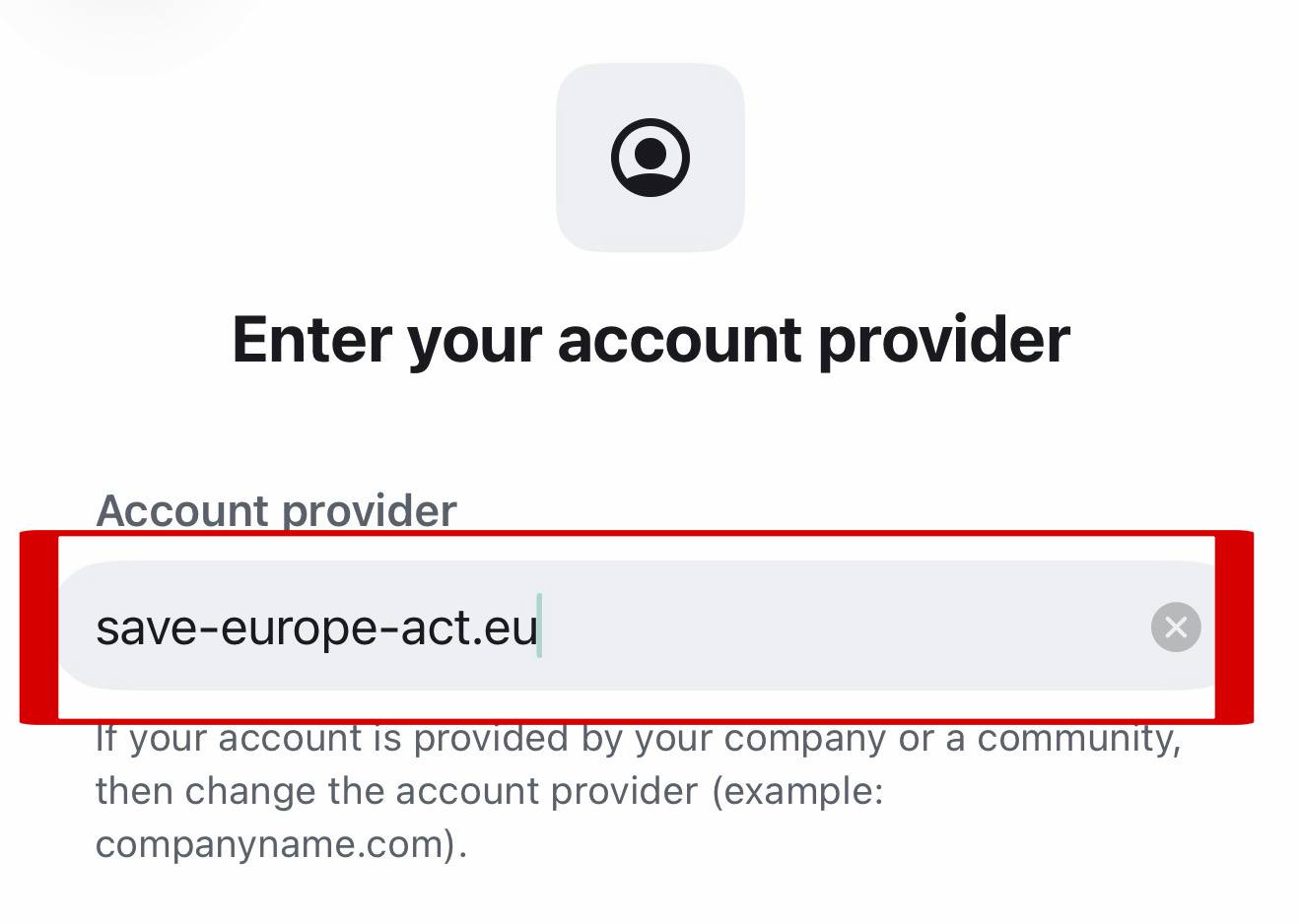
The server is save-europe-act.eu. - Enter your email address or username and your password. Your rooms appear on their own.
💻 On your computer
- Open save-europe-act.eu.
- Choose Sign in.
- Enter your email address and your password.
🔑 If something is stuck
Forgot your password? Tap the button below.
Account unknown? Use your email address.
The app asks you to confirm your identity? Tap Can't confirm? and reset. It asks for your password. Your rooms keep everything; only private chats started in the app earlier may lose their history.
"Message not sent, unverified device"? Tap Send anyway.
No rooms? They come with your country. Give it a day.
No account yet? Register here.
 Telegram
 WhatsApp